Which XtendView Is Right for You?
Three laptop screen extenders, one question: how do you work? Pick the Solo for the lightest single-screen setup, the Duo Flex for portable dual screens, or the Duo Pro for a productivity-first daily workspace.
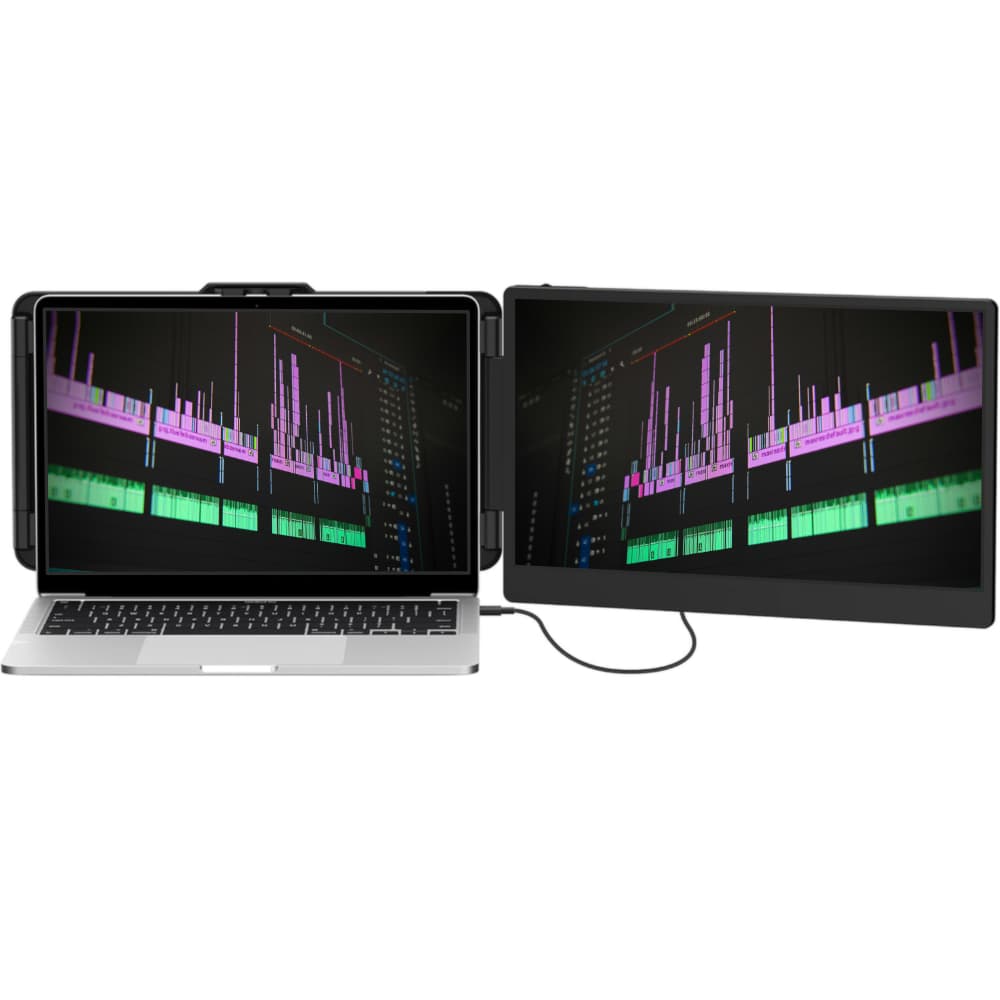
XtendView Solo
One extra 14" screen with the least weight and the simplest setup. For people who want more space without the bulk.
£149
Lightest to carry · lowest battery draw
View Solo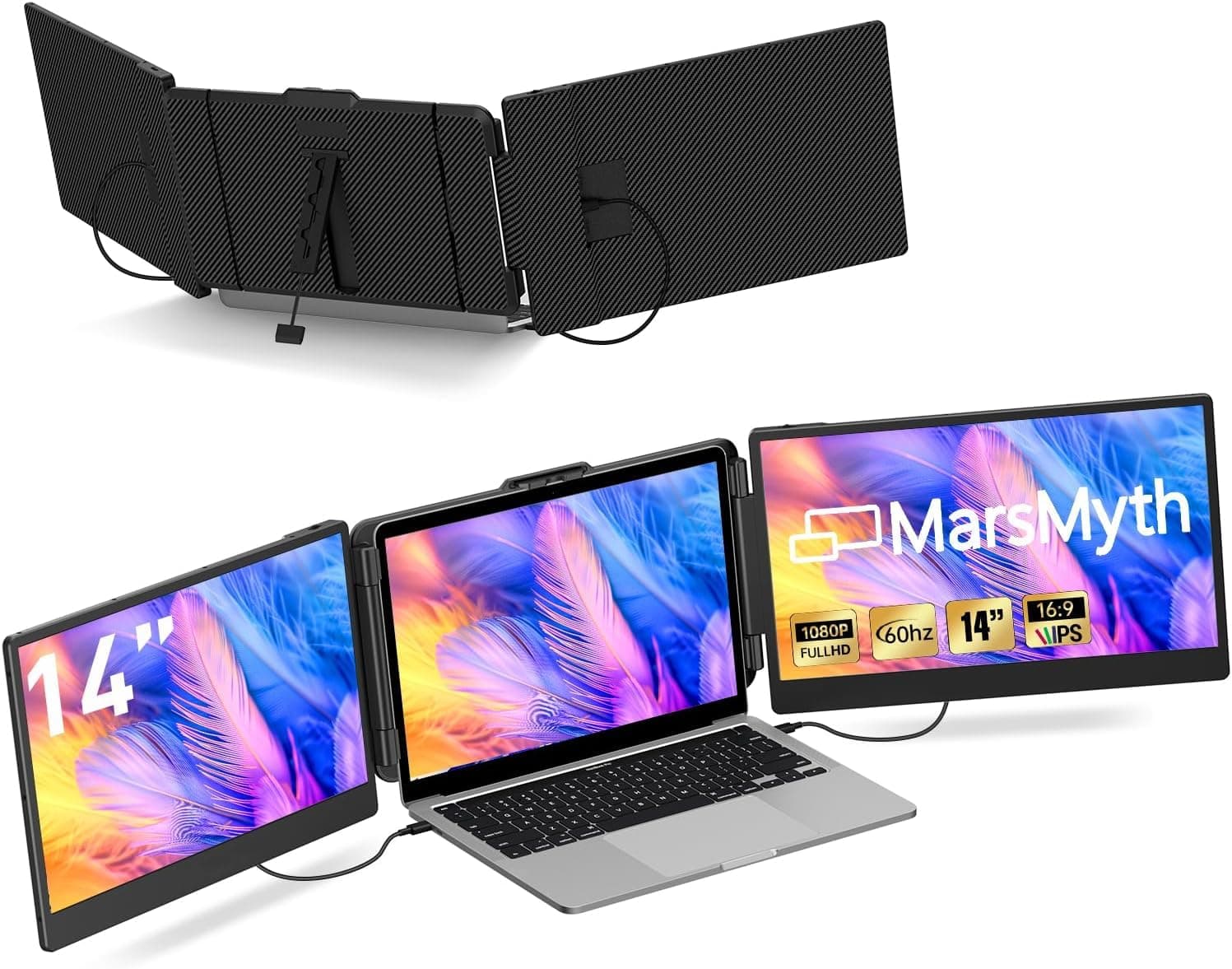
XtendView Duo Flex
Two 14" screens that fold flat and travel light. Triple-screen productivity that packs into your laptop bag.
£219
Travel-first · flexible dual-screen
View Duo Flex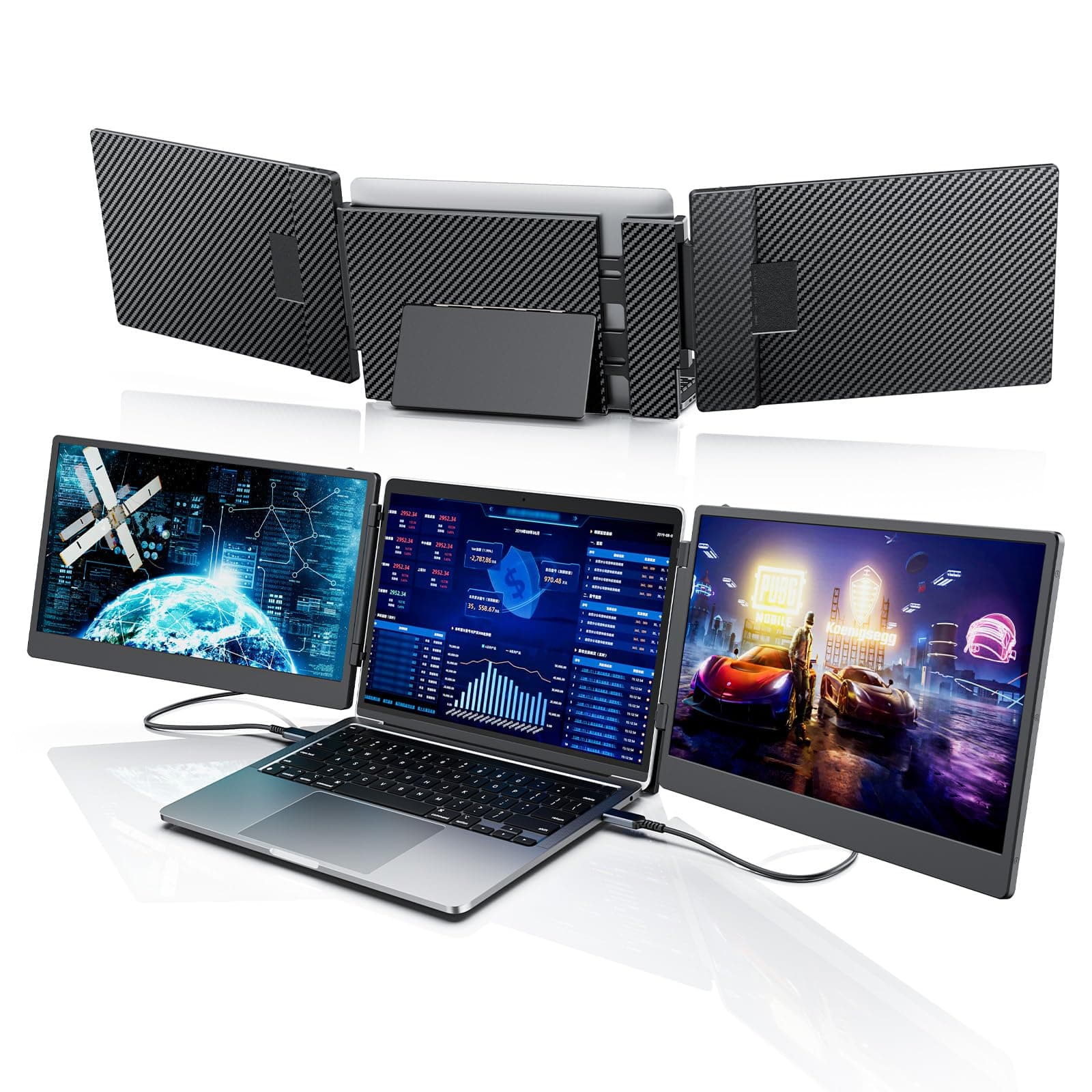
XtendView Duo Pro
A premium dual-screen setup built for reliable, everyday productivity. For people who live in their multitasking workspace.
£259
Daily productivity · stable workspace
View Duo ProCompare at a Glance
| Feature | Solo | Duo Flex | Duo Pro |
|---|---|---|---|
| Price | £149 | £219 | £259 |
| Screens | One 14" | Two 14" | Two 14" |
| Best for | Simplicity & weight | Travel & portability | Daily productivity |
| Resolution | 1080p | 1080p | 1080p |
| Connection | USB-C / HDMI | USB-C / HDMI | USB-C / HDMI |
| Setup | Plug & play | Plug & play | Plug & play |
| Warranty | 2 years | 2 years | 2 years |
Still Deciding?
Choose Solo if…
You want one extra screen with the least weight and battery draw, and value the simplest possible setup.
Choose Duo Flex if…
You want dual screens but move around a lot — cafés, flights, coworking — and need a setup that folds flat and travels.
Choose Duo Pro if…
Your dual-screen setup is your main workspace and you want a premium build for reliable everyday productivity.
Helpful Guides
Compatibility Guide
Will it work with your laptop? Check USB-C video support and Mac chip limits.
Extender vs Portable Monitor
Why an attached screen beats a standalone monitor for mobility.
Best Laptop Screen Extender
Our full buying guide: what to look for before you choose.
Single vs Dual
One extra screen or two? Compare weight, battery and cost.
Are They Worth It?
An honest look at real benefits and real drawbacks.