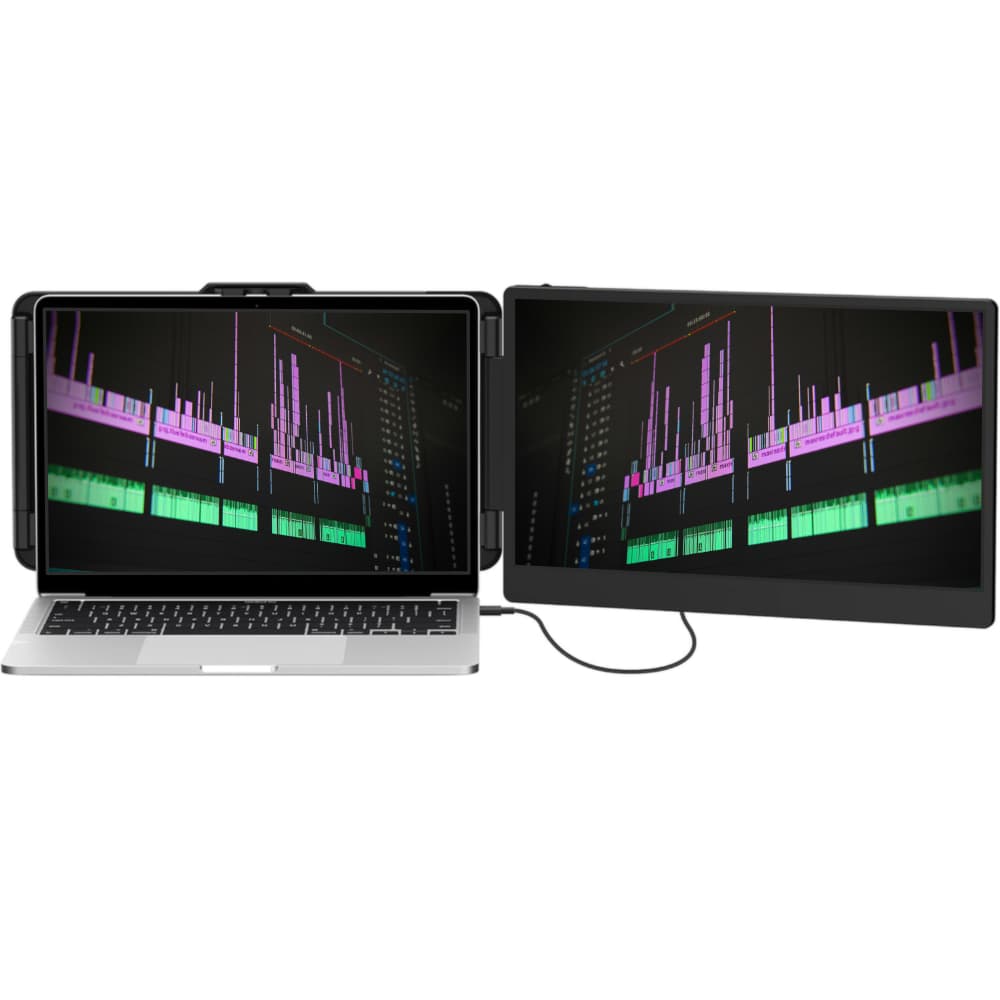
XtendView Solo
One extra screen, zero bulk. The Solo adds a full 14" Full HD display to your laptop over a single cable — the simplest way to work with more space at a café, on a plane, or at your desk.
- One 14" Full HD (1080p) IPS display
- USB-C or HDMI connection
- Plug & play — no drivers
- 1.06 kg — the lightest model in the range
£149
Why Choose the Solo?
The single-screen answer for people who want more workspace with the least friction.
Lightest to Carry
A single panel means less weight in your bag than any dual setup — ideal if you're moving between spots all day.
Kinder on Battery
Driving one extra display draws less power than two, so you stay unplugged longer on the move.
Simplest Setup
One cable, one screen, no drivers. Unfold it, connect, and you're working with more space in seconds.
Specifications
| Screens | One 14" display |
| Resolution | 1920 × 1080 (Full HD) per screen |
| Panel | IPS, wide viewing angle |
| Brightness | 300 nits |
| Refresh Rate | 60Hz |
| Weight | 1.06 kg (2.34 lb) |
| Folded Size | 353 × 207 × 23 mm |
| Connectivity | 3× USB-C ports — full-featured USB-C or HDMI via the included HDMI-to-USB-C cable |
| In the Box | Host unit, USB-A-to-C cable, USB-C-to-C cable, HDMI-to-C cable, carry bag |
| Setup | Plug & play, no drivers |
| Compatibility | Windows, macOS, Linux, ChromeOS · fits 13"–17.3" laptops |
| Warranty | 2-year warranty, UK-based support |
Not sure the Solo fits your laptop? Check the compatibility guide.
Need Two Screens Instead?
Before You Buy
Will It Work With Your Laptop?
Check USB-C video support, Mac chip limits, and ports.
How to Set It Up
Step-by-step connection for USB-C and HDMI.
Extender vs Portable Monitor
See why an attached screen beats a standalone monitor for mobility.
Single vs Dual: Which Fits You?
Confirm one screen is the right call before you buy.